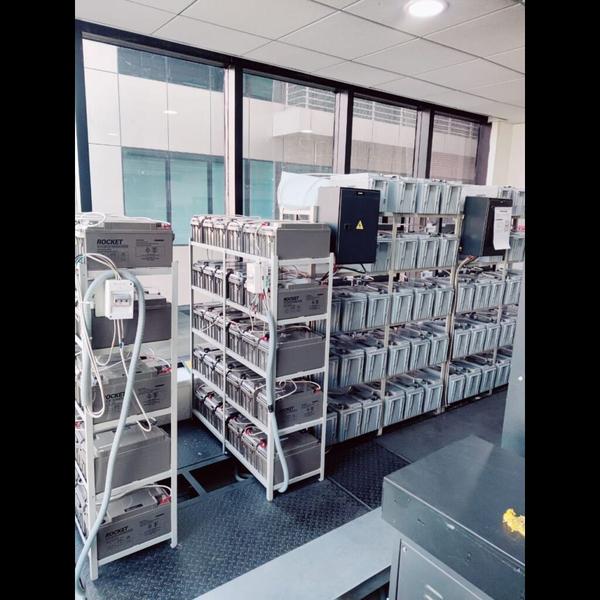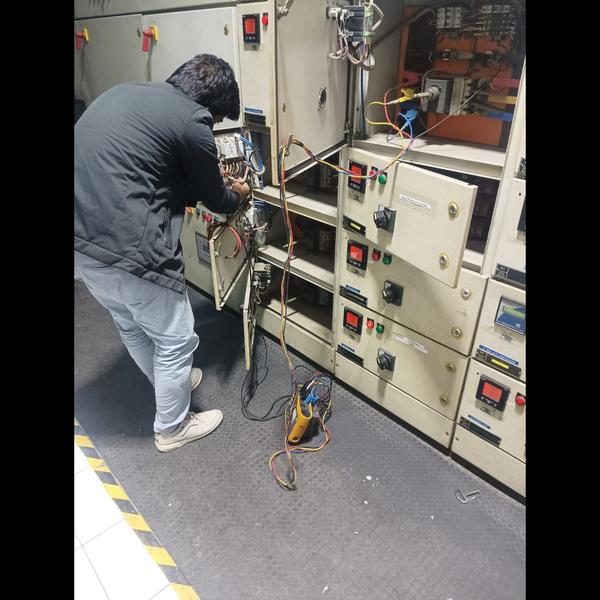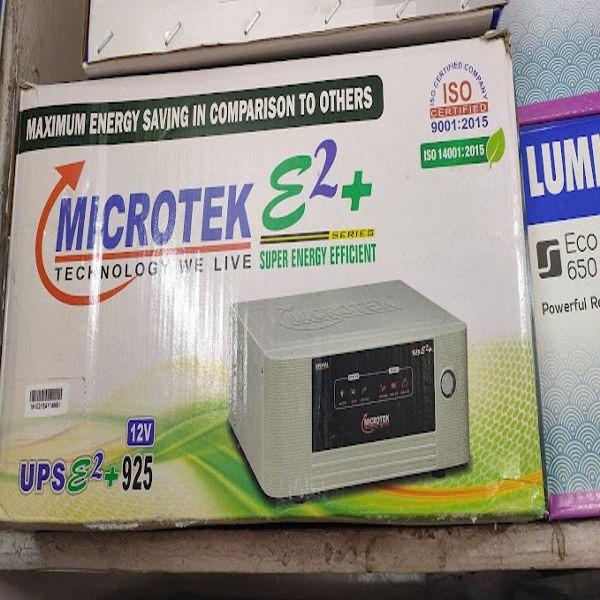
UPS & BATTERY TESTING
Testing a UPS (Uninterruptible Power Supply) battery is essential to ensure reliable backup power during outages. Here's how to properly test a UPS battery:
1. Visual Inspection
Check for swelling, leakage, or corrosion.
Verify connections are clean and tight.
2. Battery Runtime Test (Load Test)
Disconnect non-critical loads.
Plug in a device (e.g., lamp or small computer) that draws a known load.
Unplug the UPS from the wall (simulate a power outage).
Monitor how long the UPS runs before shutting down.
Compare the runtime with manufacturer specs. If it's significantly shorter, the battery may be degraded.
3. UPS Self-Test
Most modern UPS systems have a built-in self-test function:
Press and hold the test or power button (refer to the manual).
The UPS will simulate a power failure and run diagnostics.
Check the status LEDs or display for results (e.g., 'Battery Good' or error codes).
4. Voltage and Internal Resistance Test (Advanced)
Use a multimeter and/or battery tester:
Fully charge the UPS.
Measure voltage across the battery terminals:
For a 12V SLA battery: should be around 12.6–13.0V at rest.
Under load, should not drop below 10.5V.
Use a battery analyzer to check internal resistance (higher resistance = aging battery).
5. Monitoring Software
Many UPS units can connect via USB to a PC.
Use manufacturer software (e.g., APC PowerChute, Eaton UPS Companion) to check:
Battery health
Last self-test results
Charge level and runtime estimate
When to Replace the Battery
Battery fails load or self-test
Noticeable decrease in runtime
Voltage drops quickly under load
Age exceeds 3–5 years (typical lifespan for lead-acid batteries)